01 / AI CLIP SUGGESTIONS
Find a story inside your story.
Review suggested moments with a clear opening and a complete idea. See why each was selected, then choose the one you want to shape.
SOURCE / PODCAST
A compelling opening
00:0000:0600:12


Find complete moments in podcasts, talks and lessons. Edit captions in Hindi, Hinglish, Marathi or English, then review and export.Your next great short is already in your video.
Made by TheMomentra, untouched: “How Engineers Flew a Helicopter on Mars”, with its captions, title, speaker framing, graphics, AI voice hook, studio voice and music. Play either video to compare. Footage: NASA Kennedy Space Center’s Rocket Ranch podcast (public domain). TheMomentra isn’t affiliated with or endorsed by NASA.
Real footage. Familiar editing tools. Explore the small changes
that turn an original recording into a short worth sharing.
Review suggested moments with a clear opening and a complete idea. See why each was selected, then choose the one you want to shape.
Refine the beginning and ending of your clip, and correct the transcript before rendering. Keep the context that makes your idea land.
00:00A good story starts with a detail.
00:03Give that detail room to breathe.
00:06That is the part worth keeping.
Refine original-language captions in English, Hindi, and Marathi. Choose subtle motion and a readable style that works with your footage.
Reframe your original for a vertical short. Adjust the crop, add a gentle emphasis zoom, or use assisted framing for one frontal face—then review the result.
Layer in your own B-roll, add a key-point card, and place music beneath the original voice. Brief dissolves and music ducking help the story flow.
Watch your rendered clip and review the words, framing, and sound. Download the approved version or connect YouTube and choose your publishing settings.
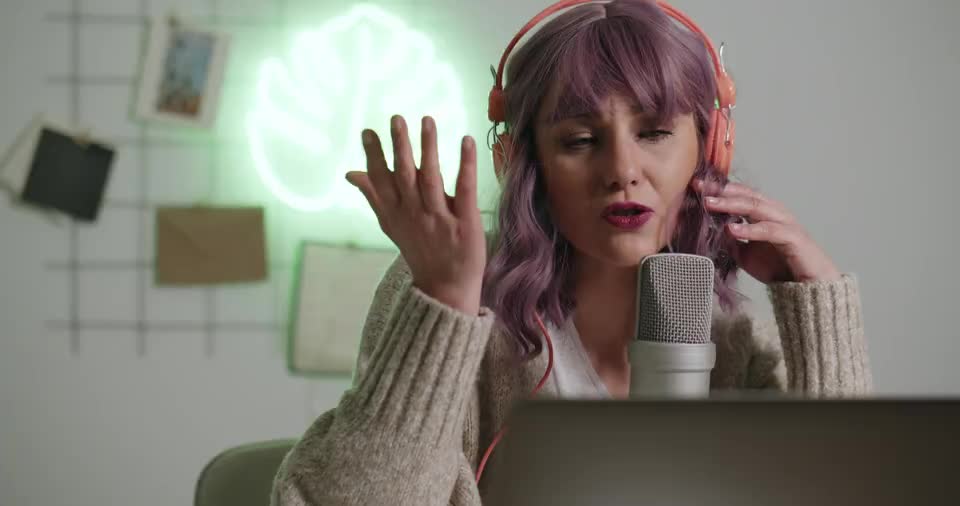
Sample footage: Kaboompics and Ketut Subiyanto / Pexels. Caption examples are not a transcript of the stock footage. No endorsement implied.
Bring a talk, a lesson or a conversation. Your original is stored privately.
Check the transcript and see why each moment was chosen. Keep the ones that matter.
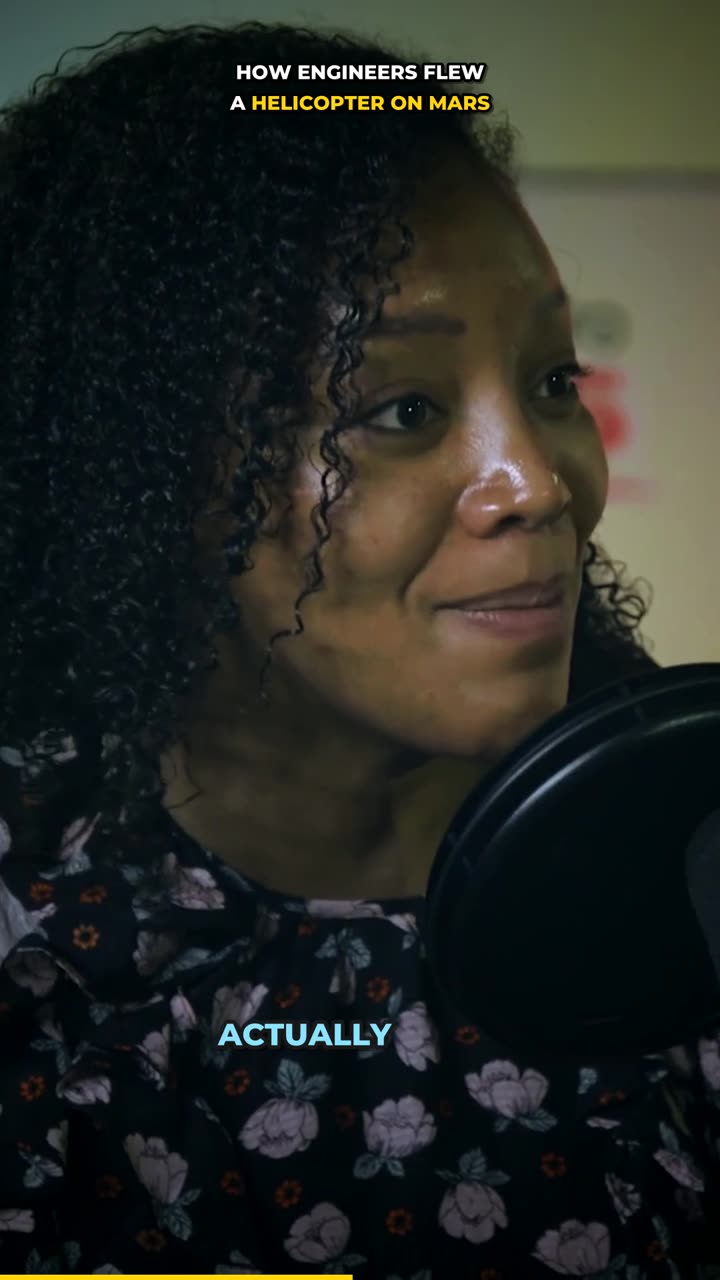
Refine the clip, watch the result and share when you’re ready. YouTube starts private.
Workflow previews illustrate the steps; the video above shows actual output.
From your next explanation to your best conversation. Give the useful parts a life of their own.
One clear idea. A new audience.
The question. The insight. The takeaway.
Your explanation stays in the picture.
Your voice, in the script your audience reads.
Move between English, Hindi and Marathi naturally. Choose Devanagari or Roman-script captions, correct what needs correcting, and keep control of the final cut.
Compare the workflow, language options and plan limits that matter to you.
TheMomentra vs OpusClipTheMomentra vs VizardTheMomentra vs KlapTheMomentra vs Submagic30 upload minutes / month
200 upload minutes / month
600 upload minutes / month
Monthly list prices in INR. Annual billing and USD options are on the pricing page. Availability, applicable tax and payment methods are confirmed at checkout. Later Free-plan videos carry a watermark.
Upload one long video, an MP4 or MOV of up to 25 minutes (60 on Pro). TheMomentra transcribes the speech, finds complete ideas worth sharing and renders them as captioned 9:16 shorts that you review, edit, download or publish to YouTube.
English, Hindi and Marathi, including a mix of them in one video. Captions can use the script that was spoken (Devanagari for Hindi and Marathi) or Roman script, so Hindi speech reads as Hinglish.
No. Every clip waits until you have watched it and confirmed its content, captions, visuals and audio. YouTube uploads start as private; you choose the channel, audience and visibility each time.
Yes. Trim the start and end, correct the transcript and caption text, change the caption style and position, choose the framing (follow the speaker, blurred background, fit or manual crop), tighten pauses, remove filler sounds, and add a headline or background music. Each change renders a new version.
Publish straight to your YouTube channel from TheMomentra, or download the vertical MP4 and post it on Instagram Reels, TikTok or anywhere else that takes vertical video.
It's stored privately and kept for 30 days by default, so you can re-render clips; final clips stay until you delete the project. Audio and transcripts are processed by an AI provider, and you can delete a project at any time.
Yes: 30 minutes of video a month with no card needed. Your first video is free of a watermark; later free-plan videos carry one. Paid plans never do.
Minutes are based on the length of the source video you upload, not the number of shorts you create. Editing and re-rendering clips does not use more upload minutes.
Yes, from Plan & billing. You keep your plan until the end of the period you paid for. See the pricing page for billing options and the refund policy for refund terms.
30 minutes a month. No credit card needed.